Point your camera, read it in your language
Aim at a menu, a sign or a label and the translation is drawn right over the original, in place. Or open a photo you took earlier.
 French
 English
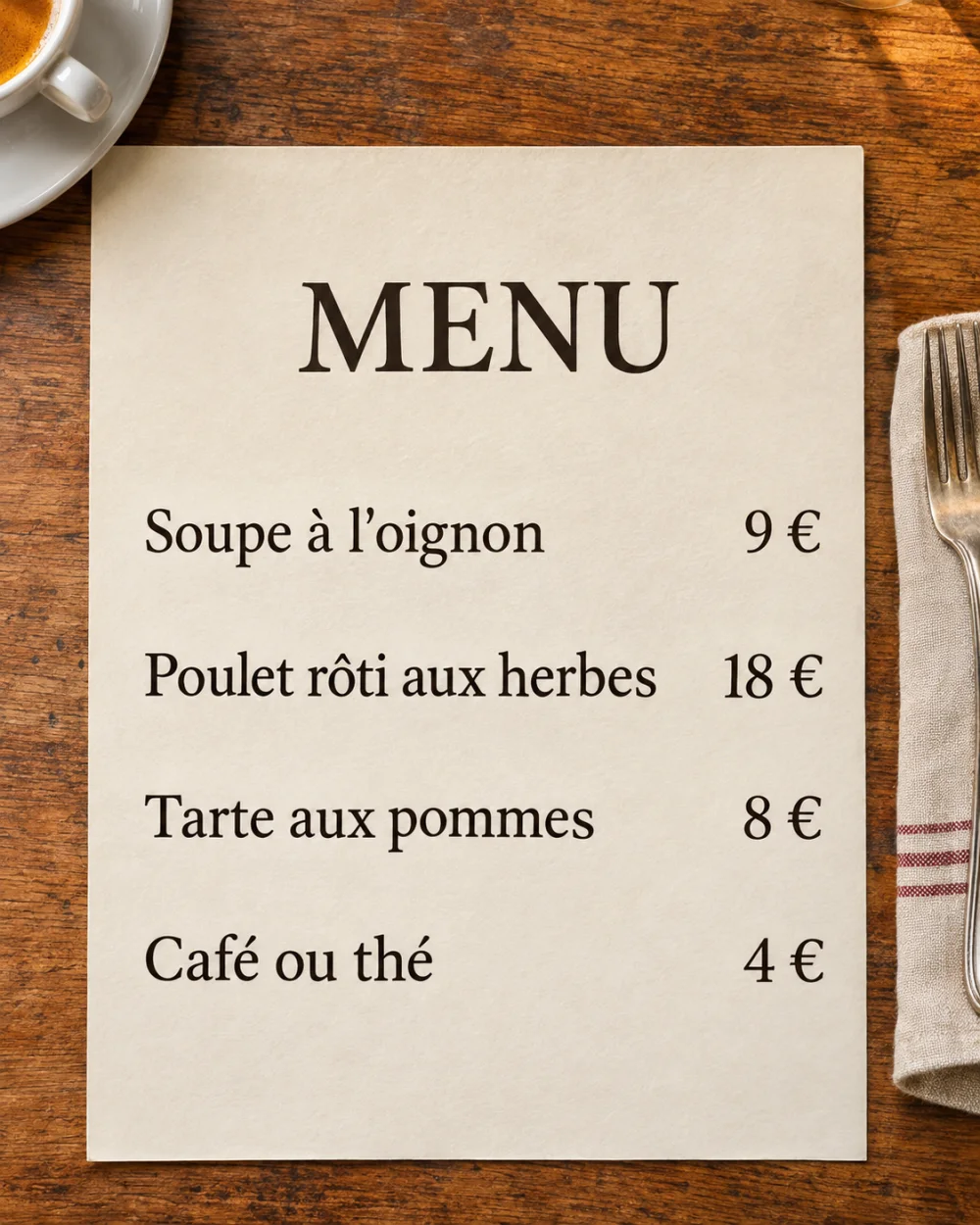 Onion soupHerb roast chickenApple tartCoffee or tea
How it works
- 1
Open Camera Translate
Choose the language of the text, or let the app detect it, and the language you read.
- 2
Point or pick a photo
Aim at the text and capture it, or open a photo from your library.
- 3
Read, compare, share
Switch between Translated and Original, then copy the text or share the result.
What you get
Read on your iPhone
Text in the picture is recognized on the device. The photo itself is never uploaded.
Layout kept
Each line of the translation sits over the line it replaces, so menus and signs still read like menus and signs.
Many scripts
Reads Latin, Cyrillic, Arabic, Devanagari, Thai, Chinese, Japanese and Korean text.
Photos and screenshots
Translate pictures you took on a trip, or screenshots of messages and posts.
Questions about Camera Translate
What people ask before they try it.
Are my photos uploaded?
No. The text is read on your iPhone. When the language pair is not installed on the device, only the recognized text is sent to be translated, never the image.
Which languages can the camera read?
Printed text in most major languages, including English, Spanish, French, German, Italian, Portuguese, Russian, Ukrainian, Turkish, Arabic, Hindi, Chinese, Japanese, Korean, Thai and Vietnamese.
Can it translate a whole document?
Yes. Use the Document mode to scan pages, or open a PDF from Files. The first page of every document is free; Pro translates the rest.